Introduction: The Role of Gear in Esports Success
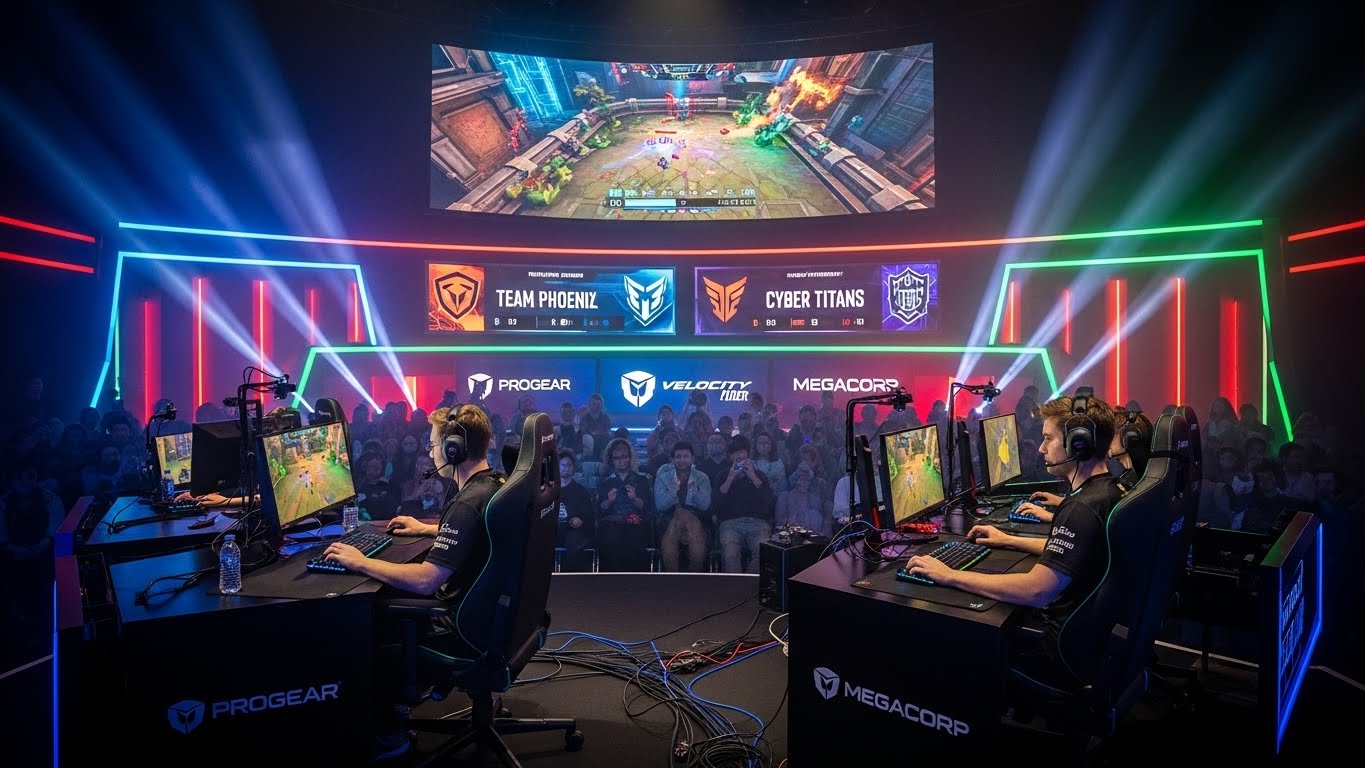
Esports has evolved from casual gaming to a high-stakes competitive industry. Success in esports depends not only on skill, strategy, and teamwork but also on the equipment that players use. The right gear can make a significant difference in reaction times, precision, comfort, and overall performance.
Professional esports competitors invest in hardware that enhances their capabilities, minimizes fatigue, and gives them an edge over the competition. This guide explores the best gaming gear that every esports player should consider, from peripherals and accessories to specialized equipment designed for competitive gaming.
1. High-Performance Gaming Mouse
A gaming mouse is the most critical tool for esports competitors, particularly in genres like first-person shooters, MOBAs, and strategy games. Precision, responsiveness, and comfort are essential.
DPI and Sensor Accuracy
A high-quality gaming mouse should have adjustable DPI (dots per inch) settings, allowing players to customize sensitivity for different games or in-game scenarios. Optical or laser sensors provide accuracy and consistency, crucial for fast-paced gameplay.
Ergonomics and Grip Style
The shape and weight of the mouse affect comfort during long gaming sessions. Palm grip, claw grip, and fingertip grip styles influence mouse selection. Esports players often test multiple models to find the ideal fit for their hand size and playstyle.
Programmable Buttons
Additional buttons can enhance gameplay by providing quick access to in-game commands, abilities, or macros. This feature is particularly useful in MOBAs and MMOs, where complex actions need to be executed quickly.
2. Mechanical Keyboards
Mechanical keyboards are preferred by esports competitors for their tactile feedback, responsiveness, and durability. They allow for precise keystrokes, which is vital in high-speed competitive environments.
Switch Types
Mechanical switches vary in actuation force, sound, and tactile feedback. Popular types include:
- Linear switches: Smooth keystrokes with minimal resistance.
- Tactile switches: Provide feedback when a key is registered.
- Clicky switches: Offer audible feedback with tactile sensation.
Players choose switches based on personal preference and the type of games they play.
Key Rollover and Anti-Ghosting
Key rollover and anti-ghosting features ensure that multiple simultaneous key presses are registered accurately. These features prevent missed actions during intense moments, which can be critical in esports.
Customizability and Lighting
RGB lighting and programmable keys add both aesthetic appeal and functionality. Some keyboards allow players to create custom macros, which can save valuable time in competitive games.
3. Gaming Headsets
Audio is a crucial element in esports, providing situational awareness, team communication, and immersion. A quality gaming headset ensures that players can hear footsteps, environmental cues, and in-game sounds clearly.
Sound Quality and Surround Sound
High-fidelity audio and virtual surround sound help players detect precise locations of opponents, making a significant difference in games like FPS or battle royale titles.
Microphone Quality
Clear and noise-cancelling microphones are essential for effective team communication. Professional teams rely on headsets that transmit voice commands clearly without background interference.
Comfort and Fit
Esports matches can last for hours, making comfort paramount. Lightweight materials, adjustable headbands, and memory foam ear cushions reduce fatigue and enhance focus.
4. High-Refresh-Rate Monitors
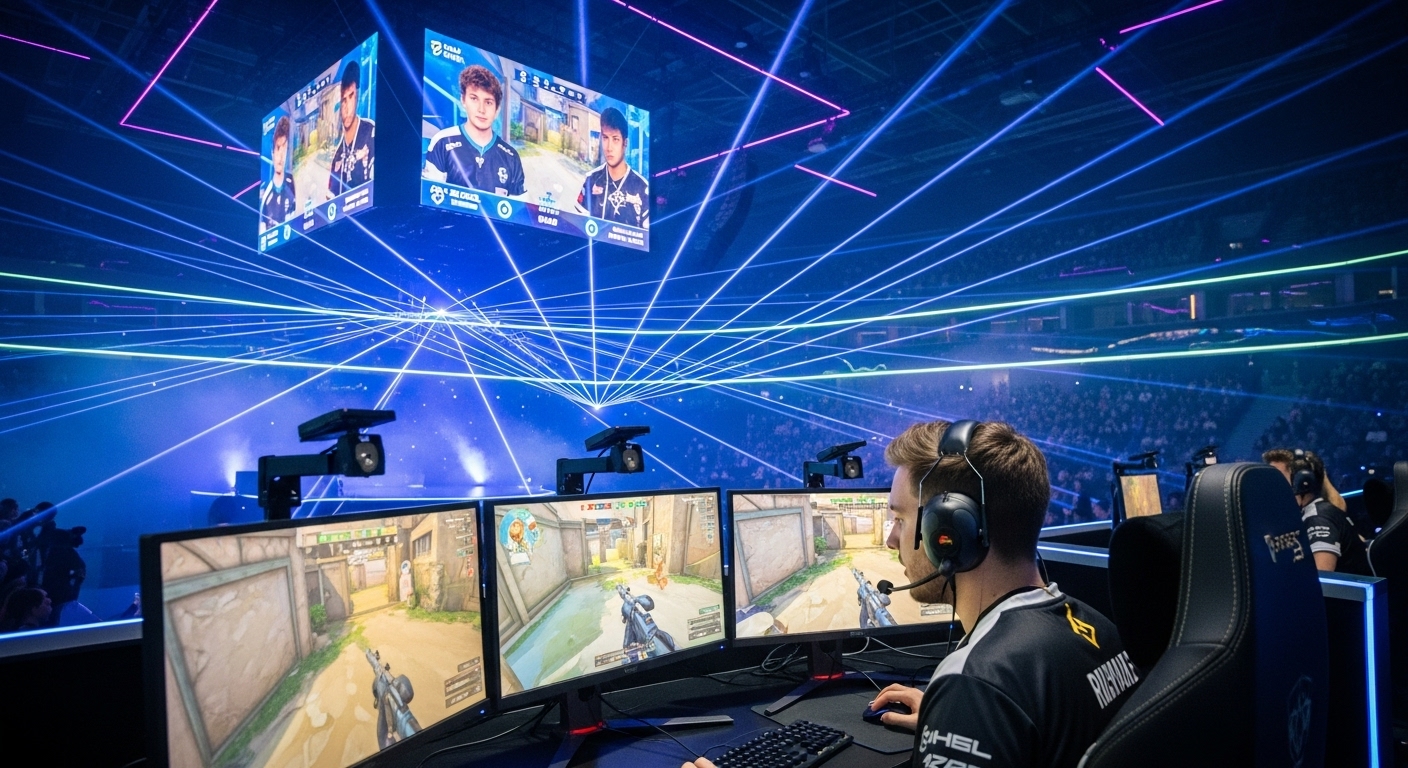
Visual performance is as important as audio. High-refresh-rate monitors offer smoother motion, reduced input lag, and better response times, giving players a competitive edge.
Refresh Rate and Response Time
Monitors with refresh rates of 144Hz, 240Hz, or higher provide smoother gameplay, especially in fast-paced competitive titles. Low response times, measured in milliseconds, ensure that the display reacts instantly to player input.
Resolution and Screen Size
While higher resolution improves image quality, competitive players often prioritize refresh rate and response time over ultra-high resolutions. Screen size preferences vary, but many esports players prefer 24 to 27-inch monitors for optimal visibility and focus.
Adaptive Sync Technology
Technologies like FreeSync and G-Sync reduce screen tearing and stuttering, providing a fluid gaming experience. This ensures consistent visuals and prevents distractions during critical moments.
5. Mouse Pads and Gaming Surfaces
A smooth and consistent surface is essential for accurate mouse movement. Professional esports players use high-quality mouse pads to enhance precision and control.
Material and Texture
Mouse pads vary in material, such as cloth, hard plastic, or hybrid surfaces. Cloth pads offer smooth gliding and comfort, while hard pads provide speed and durability. Texture consistency is crucial for maintaining accuracy during rapid movements.
Size and Portability
Large or extended mouse pads accommodate wide movements without leaving the pad’s surface, which is especially useful for low-sensitivity players. Portability may be a consideration for players who travel frequently for tournaments.
6. Ergonomic Chairs
Comfort and posture are critical for long gaming sessions. Esports competitors invest in ergonomic chairs that support the spine, promote good posture, and reduce fatigue.
Adjustable Features
Chairs with adjustable armrests, lumbar support, reclining features, and height adjustments allow players to find an optimal position for focus and comfort.
Materials and Build Quality
High-quality materials like memory foam, breathable fabric, and sturdy frames ensure durability and comfort over extended use. A supportive chair prevents long-term injuries related to posture and repetitive stress.
Additional Features
Some chairs include headrests, footrests, and vibration features to enhance comfort and relaxation during breaks. A well-designed chair contributes significantly to overall performance and endurance.
7. Streaming and Capture Equipment
For players who also stream their gameplay, additional gear is necessary to maintain a professional-quality broadcast.
Webcams
High-definition webcams capture clear video, enhancing viewer experience. Adjustable positioning and good low-light performance are essential for maintaining visual quality during streams.
Capture Cards
For console players, capture cards allow gameplay to be transmitted to a PC for streaming. High-quality capture cards reduce latency and ensure smooth, high-definition streams.
Lighting and Green Screens
Professional lighting and optional green screens improve visual presentation and create a polished, immersive viewing experience. Proper lighting ensures that streamers’ faces are well-lit and visible, enhancing audience engagement.
8. Controllers and Specialized Input Devices
While keyboard and mouse dominate PC esports, consoles and hybrid setups require controllers and specialized input devices.
Pro Controllers
High-end controllers offer responsive buttons, customizable layouts, and ergonomic designs, enhancing performance in console esports.
Joystick and Arcade Sticks
Fighting games and flight simulators often require specialized input devices like arcade sticks and joysticks. These devices provide precise control and replicate the feel of traditional arcade setups.
Accessibility Devices
Customizable input devices cater to players with disabilities, ensuring inclusivity in competitive gaming and allowing more players to reach peak performance.
9. Networking Equipment
A stable and fast internet connection is vital for competitive gaming. Lag or packet loss can determine the outcome of a match.
High-Speed Routers
Gaming routers reduce latency and prioritize gaming traffic, ensuring consistent connection speeds. Features like Quality of Service (QoS) and dual-band support enhance reliability.
Ethernet vs. Wi-Fi
Wired connections are preferred in competitive settings due to their stability and low latency. High-quality Ethernet cables and proper network setup minimize disruptions.
Backup Solutions
Professional esports players often have backup internet solutions, such as mobile hotspots, to prevent connectivity issues during critical matches.
10. Accessories and Additional Gear
Several accessories can further enhance an esports competitor’s setup:
Cable Management Solutions
Organized cables reduce clutter and prevent accidental disruptions during intense gameplay.
Wrist Rests and Mouse Bungees
Wrist rests provide ergonomic support, reducing strain during extended sessions. Mouse bungees prevent cable drag and improve precision.
Cooling Fans and Desk Pads
Proper ventilation and temperature management ensure comfort during long hours of gaming. Cooling pads or fans prevent hardware overheating and maintain performance.
11. The Importance of Personal Preference
While professional recommendations provide a guideline, personal preference plays a major role in selecting esports gear. Players should test different equipment to find the setup that feels most comfortable and intuitive.
Trial and Error
Trying multiple mice, keyboards, chairs, and monitors helps identify the best combination for individual playstyle. Comfort, responsiveness, and familiarity are key factors.
Continuous Upgrades
As technology evolves, upgrading gear ensures that competitors remain at the cutting edge. Regularly evaluating and updating equipment prevents limitations and maximizes performance.
12. Budget Considerations
Not all players can afford premium esports equipment immediately. Prioritizing investments in essential gear, such as a high-quality mouse, headset, and monitor, provides the most impact.
Start Small
Begin with mid-range gear and upgrade gradually as skills and resources improve. Even entry-level professional equipment can significantly enhance performance compared to standard consumer devices.
Focus on Comfort and Reliability
Investing in ergonomic and reliable products reduces injury risk and prevents disruptions, making them worth the cost even on a limited budget.
13. Conclusion: Gear as a Competitive Advantage
Esports is a high-stakes environment where every millisecond and precise action counts. The right gaming gear enhances performance, reduces fatigue, and supports both physical and mental endurance. From high-precision mice and mechanical keyboards to ergonomic chairs and professional headsets, every piece of equipment contributes to success.
Choosing gear tailored to personal preferences, playstyle, and game type ensures that competitors can perform at their best consistently. While skill and strategy remain paramount, the right setup provides the competitive edge that separates good players from elite esports champions.
Investing in high-quality gaming gear is not just a luxury—it is a strategic decision that empowers esports competitors to reach their full potential. With careful selection, practice, and continuous improvement, the right tools can elevate performance, enhance comfort, and ensure long-term success in the demanding world of competitive gaming.